
One familiar checkbox. One ordinary-looking request to prove you are human. Then a set of keyboard shortcuts that can turn the visitor into the person who installs the malware.
That is the trick behind ClickFix, a family of social-engineering attacks that borrow the appearance of CAPTCHA security checks and fake browser-error messages. A November 15, 2026 Guardian warning describes the consumer version: a fraudulent verification page asks visitors to open the Windows Run box, paste clipboard contents and execute what looks like a required fix. The security check is the trap.
What the fake CAPTCHA actually does
A legitimate CAPTCHA checks whether a visitor appears human. ClickFix imitates that experience, but adds an unusual demand: operate your computer outside the browser.
In a common Windows variation, the malicious webpage places a command onto the clipboard after a visitor interacts with a fake verification checkbox. The page then instructs the visitor to open the Run dialog with the Windows key and R, paste with Ctrl+V and press Enter. Those keystrokes do not verify anything. They can execute attacker-supplied instructions with the user’s own permissions.
Important distinction: simply encountering a fake CAPTCHA or copying text does not necessarily mean a computer is infected. The pivotal step in this attack pattern is executing the command. Other variants may behave differently, so a suspicious page still warrants caution even if no command was run.
Microsoft’s technical analysis of ClickFix documents delivery through phishing emails, malicious advertisements and compromised legitimate websites. The company has observed attacks that install information-stealing software, remote-access tools, loaders and other malware. The mechanism is simple; the software delivered afterward may be anything but.
The clever part: weaponizing a security ritual
People have been trained to solve CAPTCHAs quickly. A tick box is ordinarily a tiny annoyance on the path to a shopping cart, document or video. ClickFix exploits that habit. It also exploits a knowledge gap: many people know what a website checkbox does, but not what the Windows Run dialog can execute.
The criminals may present a supposed broken webpage or software update instead of a CAPTCHA. Malwarebytes reported in July 2026 on fake Google and Cloudflare verification pages tied to multiple malware families. The names and branding may be familiar; the command is not trustworthy simply because the page claims to belong to a familiar company.
And a legitimate-looking address does not settle the matter. Cybercriminals can inject these prompts into compromised websites, not just hastily built counterfeit domains. The visitor may have arrived at a real site only to meet a malicious overlay.
From a stolen password to a corporate back door
The threat goes beyond a single browser tab. Some ClickFix campaigns deliver infostealers intended to extract passwords, financial information or session data. Others install tools capable of remote access. Which outcome follows depends on the campaign and whether its payload successfully runs.
In August 2026, Microsoft documented a more complex variant it calls TerminalFix. The fake human-verification prompt led users to paste commands into Windows Terminal or PowerShell. Investigators identified a multi-stage intrusion that retrieved malicious components concealed in PNG image data, set up persistence and established a reverse tunnel that could let attackers reach through an infected machine into a wider network. Microsoft specifically said it did not observe the downstream lateral movements it described as possible consequences of that access.
That distinction matters. A technical capability is not proof that every victim suffered every conceivable outcome. Still, the case shows how an apparent anti-bot challenge can become an entry point to much more serious intrusion.
How to spot it before the damage
- Reject keyboard-command verification: a genuine CAPTCHA should not require you to launch Run, PowerShell, Terminal or Command Prompt and paste code.
- Stop when a webpage promises a manual repair: unexpected instructions to fix a browser, video player or update by executing a command are a major warning sign.
- Do not trust clipboard contents blindly: what a webpage copies may differ from what you thought you clicked.
- Leave the page and verify independently: navigate to the provider’s official support pages rather than following instructions displayed by the suspicious prompt.
- Keep browser, operating system and security protection updated: protective tools may block malicious websites or subsequent payloads, although no single layer is a guarantee.
These precautions align with Malwarebytes’ ClickFix guidance and Microsoft’s documented detection advice.
If you already followed the instructions
If you ran a suspicious command, treat the computer as potentially compromised. Disconnect it from networks to reduce the opportunity for further access or data theft. Use a different, trusted device to change important passwords, revoke active sessions where supported, and secure email, banking and payment accounts. Contact your financial institutions promptly if sensitive financial information may have been exposed. Run current security scans and seek qualified incident-response help, especially for work devices. Do not assume that a quick scan proves the machine clean.
Microsoft’s ClickFix threat guidance also recommends isolation, credential resets from a clean device and monitoring financial accounts. People using employer-managed devices should notify their IT/security team immediately rather than attempting risky cleanup on their own.
The uncomfortable question behind the checkbox
We often describe online security as something a website does for us. ClickFix takes that trust and reverses it: the site tells a person that safety requires executing a command, and the person becomes the final step in the attack.
As with the deceptive trust cues examined in Apep Bar’s earlier look at video-call-based malware lures, a familiar interface can be more persuasive than a technically sophisticated exploit. The next time a webpage says you must prove you’re human, the more important question may be: why does it want control of your computer?
Sources and further reading
- The Guardian, November 15, 2026: ClickFix scam warning
- Microsoft Threat Intelligence: ClickFix attack chains and defenses
- Microsoft Security Research: TerminalFix intrusion analysis, August 2026
- Malwarebytes: Fake verification pages and malware distribution, July 2026
- Microsoft Security Intelligence: ClickFix response guidance
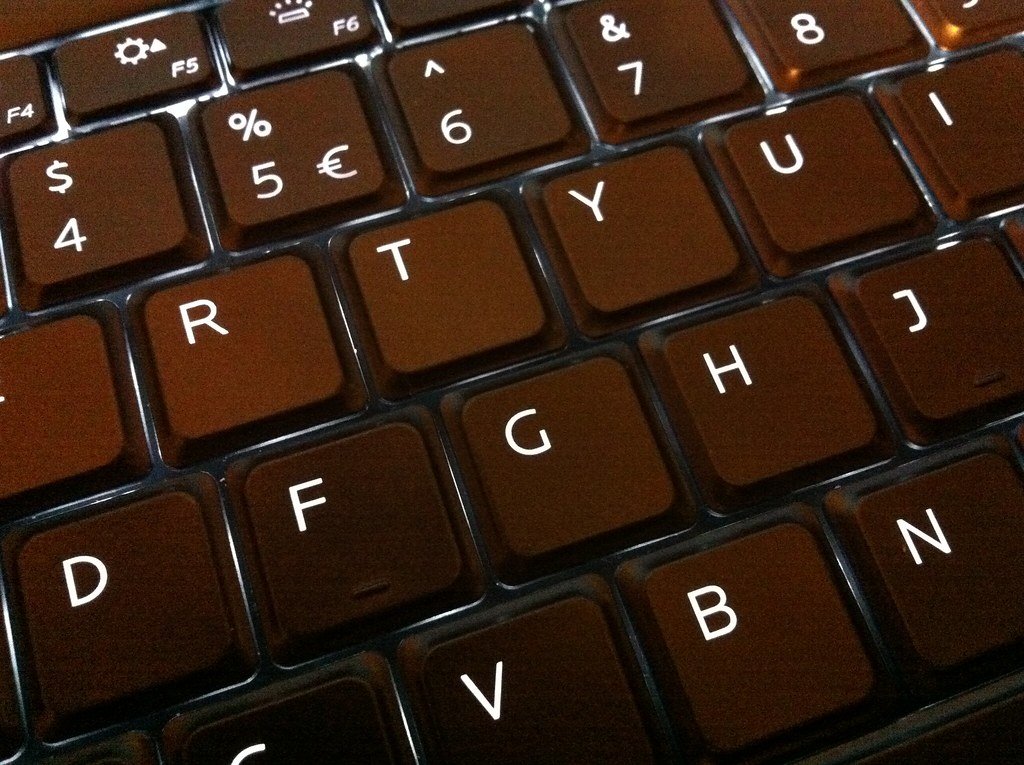
Featured photograph: “Backlighted keys on a Dell XPS system,” Patrick Hoesly, CC BY 2.0. Illustrative photograph of a keyboard, not an image of an infected device or an actual ClickFix webpage.